
Online Safety
Helping Learners Use Technology Safely, Responsibly and Confidently
Practical Online-Safety Guidance for Schools, Teachers, Parents and Learners
Technology expands learning, creativity, and career horizons. It can also expose learners and schools to privacy risks, scams, cyberbullying, misinformation, inappropriate content, and irresponsible use.
KAWA Uganda helps school communities build practical knowledge, enforceable policies, and trusted reporting systems to protect learners, staff, and school information without fear or panic.
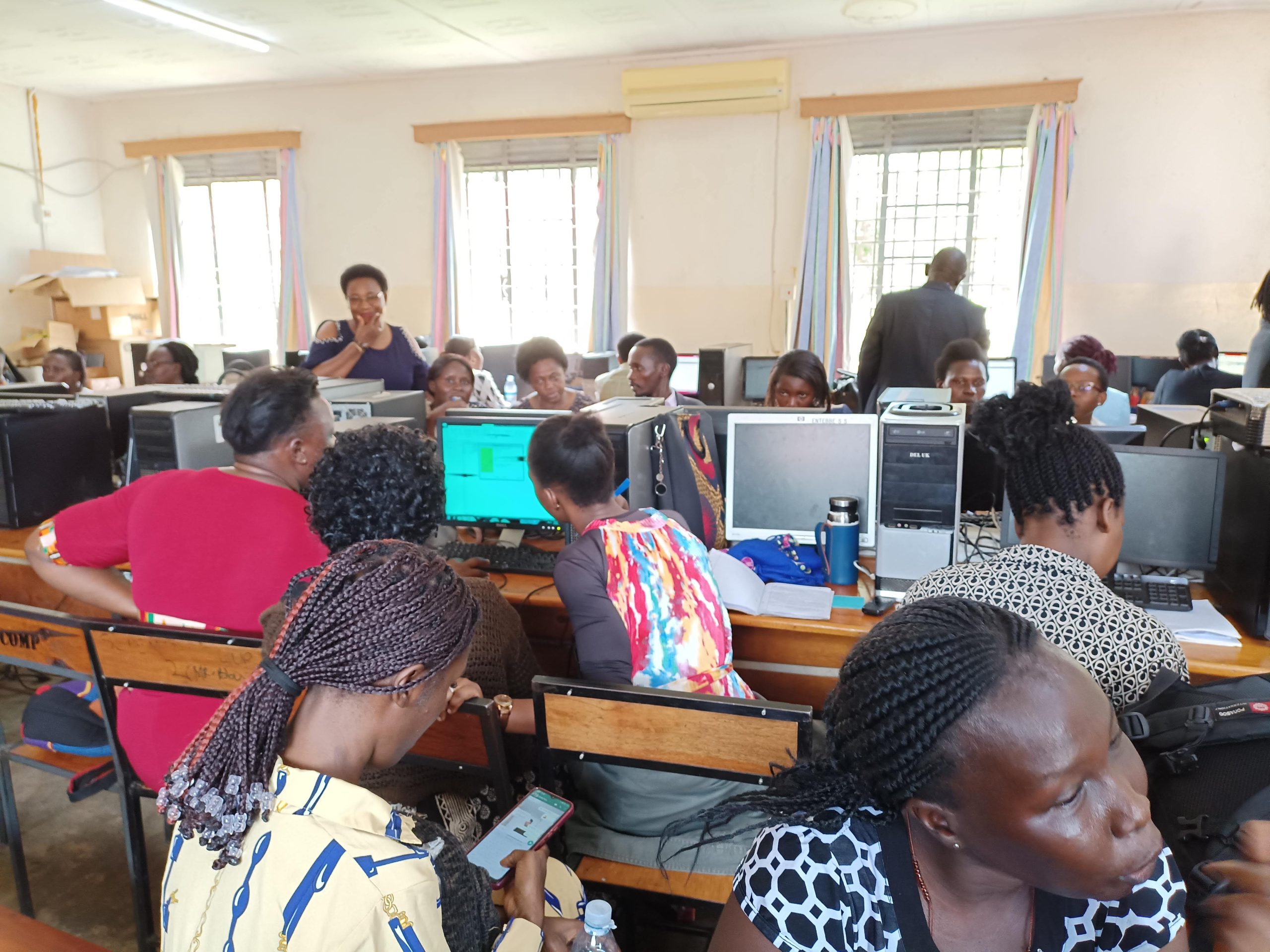
Digital Access Must Be Accompanied by Digital Responsibility
Learners are actively using computers, mobile devices, school networks, and artificial intelligence tools. Simply telling young people to avoid technology is neither realistic nor educational.
The KAWA Online Safety Equation: Opportunity + Knowledge + Responsibility + Support = Positive Digital Participation
Why Schools Need an Online-Safety Programme
Recognising common online vulnerabilities allows schools to build proactive safeguards.
🔓 Oversharing Privacy
Revealing home addresses, phone numbers, uniforms, or family details that can be exploited by malicious actors.
🛑 Cyberbullying
Harmful messages, group exclusion, impersonation, and rumours continuing beyond school hours into messaging groups.
🎣 Scams & Phishing
Deceptive messages offering fake scholarships, urgent prizes, or impersonating school officials to steal credentials.
📰 Misinformation
Rapid forwarding of unverified health claims, examination rumours, fake news, and altered social media media.
🤖 Uncritical AI Reliance
Uploading confidential records or accepting AI-hallucinated citations and biased summaries without verification.
🗂️ School Data Exposure
Weak passwords, shared admin accounts, and unauthorized publication of marks, staff lists, or student files.
🔞 Inappropriate Content
Unsupervised browsing exposing learners to age-inappropriate material or unmoderated chat platforms.
👣 Permanent Digital Footprints
Impulsive posts, comments, or images remaining permanently indexed and impacting future academic or career chances.
The 9 Areas of Digital Citizenship
The whole-school pathway guiding safe, ethical, and creative participation.
Evaluation Tools for Learners & Teachers
Clear, memorable frameworks for verifying information and evaluating posts.
The KAWA VERIFY Method
Run every viral forward, scholarship alert, or news claim through these 6 checks:
- V — View the full claim: Read past the sensational headline before reacting.
- E — Examine the source: Who published it? Is it an official, verified domain?
- R — Review the date: Is an old emergency or circular being recycled?
- I — Investigate evidence: Are named experts, gazetted docs, or data provided?
- F — Find confirmation: Has any credible national news organization confirmed it?
- Y — Yield before sharing: Pause and refuse to forward until verified.
The THINK Check Before You Post
Before publishing comments, photographs, or forwarding group media:
- T — Is it True? Have you verified it yourself?
- H — Is it Helpful? Does it add value or spread confusion?
- I — Is it Inspiring / Appropriate? Does it respect personal dignity?
- N — Is it Necessary? Does the whole group need to see this?
- K — Is it Kind? Would you say this directly to their face in class?
⚠️ The STOP – CHECK – CONFIRM Method for Suspicious Messages
Responsible Artificial Intelligence in Schools
Equipping learners and educators to use AI as a thinking aid, not an intellectual shortcut.
✅ Appropriate & Approved AI Uses
- Brainstorming initial project ideas and coding structures.
- Explaining difficult scientific concepts with simplified analogies.
- Drafting study schedules and language grammar practice.
- Generating lesson plan ideas and formative quiz questions for teachers.
🚫 Prohibited & Unethical AI Uses
- Entering confidential student records, marks, or personal health info into public AI models.
- Submitting AI-generated essays or code without understanding or declaring it.
- Using AI to generate deepfakes, altered images, or defamatory content.
- Relying on unverified AI references, citations, or historical dates.
Digital Citizenship Across Uganda
Empowering schools, clubs, and teachers with safe digital tools.
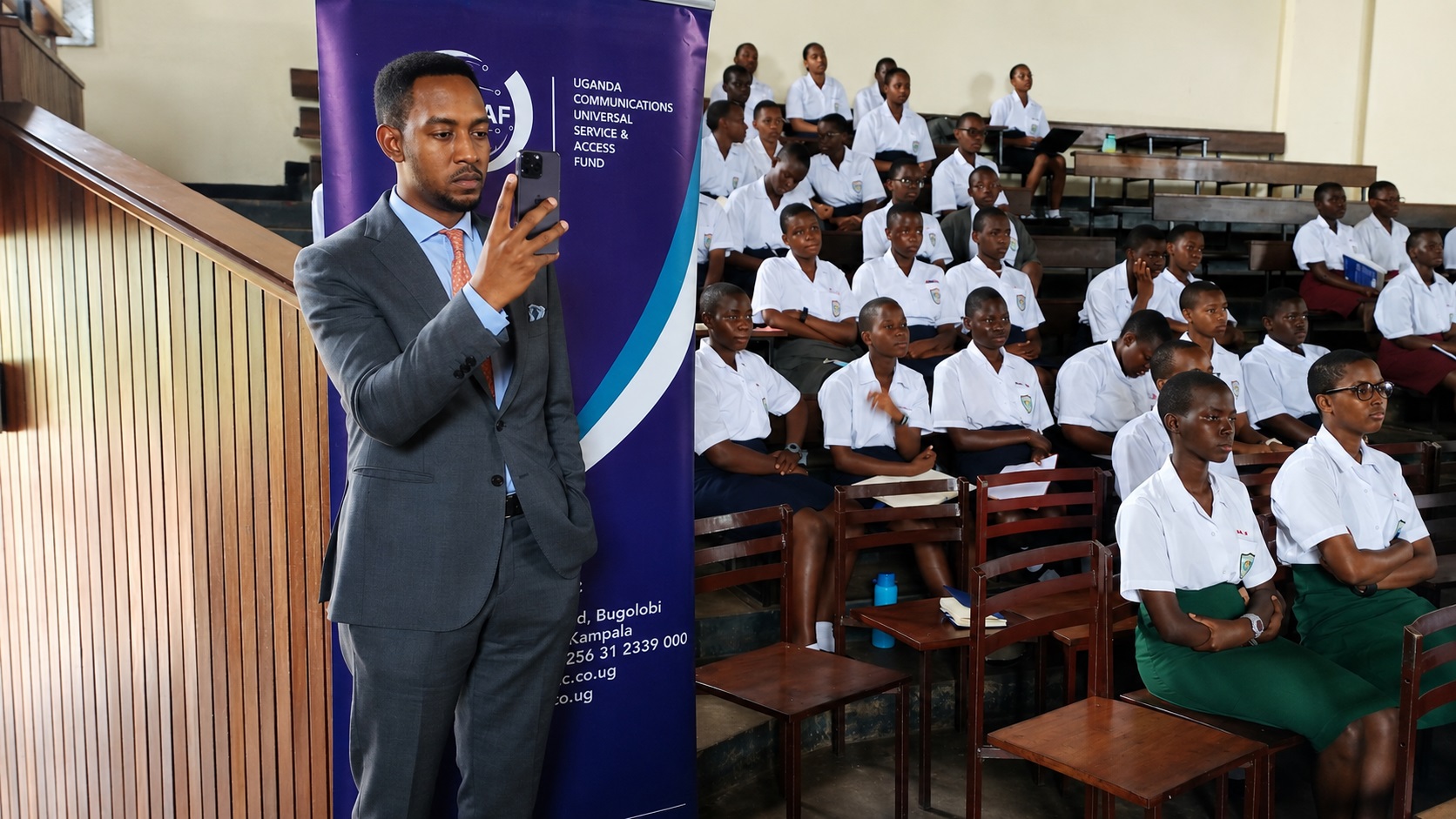
Namagunga ICT Club Launch
Learners spearheading peer-led online safety and digital ethics campaigns.

National Championship Showcase
Demonstrating how student digital projects observe copyright, privacy, and safeguarding.

Whole-School Safety Clinics
Engaging school leadership, staff, and parents on sustainable digital citizenship.
Targeted Advice for the School Community
Select your role to view specific safety responsibilities and conversational guides.
Never share your password with friends or write it on lab monitors. Use 3-word passphrases.
Do not reply in anger. Take a screenshot, block the user, and speak to a teacher or parent immediately.
Never post live travel movements, ID cards, exam registration slips, or images showing room backgrounds.
How to Support Children Without Fear or Panic
You do not need to be a technology expert. Focus on open communication and reasonable family habits:
- “Which apps or tools do you find most useful for homework?”
- “Have you seen anything online recently that made you uncomfortable?”
- “How do you check whether a forwarded scholarship message is real?”
- Establish screen-free meal times and study hours.
- Respond calmly when a child reports an online issue so they never hide problems.
- Avoid community group shaming if an issue arises.
The 7-Step Confidential Reporting Process
How schools respond to digital concerns calmly, professionally, and without public exposure.
Ensure Immediate Safety
Address physical risks immediately through school safeguarding officers.
Tell a Trusted Adult
Learners approach a patron, class teacher, counsellor, or parent.
Record Essential Facts
Log dates, platform names, and affected accounts without exaggeration.
Preserve Evidence
Save screenshots securely; do not forward them into public chat groups.
Official School Logging
Submit details via the internal incident register or designated officer.
Respond & Protect
Provide pastoral care, apply disciplinary steps, and notify parents privately.
Review & Prevent
Update lab rules or conduct awareness sessions to prevent recurrence.
KAWA Digital Citizenship Training Packages
Customized sessions delivered on-site for school assemblies, staffrooms, and parent days.
Learner Safety & Ethics Workshop
Classes, ICT Clubs & Assemblies
Interactive sessions covering privacy, passwords, cyberbullying resilience, scam identification, and responsible AI usage.
Request Learner SessionTeacher & Patron Certification
Half-Day Practical Training
Supervising online research, handling disclosures calmly, data protection basics, and integrating digital citizenship into regular lessons.
Request Teacher SessionWhole-School Safety Programme
Institutional Transformation
Policy formulation, Acceptable-Use Agreements, parent orientation seminar, and incident reporting system rollout.
Request Whole-School PackDownload Official Safety Resources
Free, battle-tested templates and classroom posters for your school.
📘 Learner Guides
- Password-Safety Poster (PDF)
- THINK Before You Post Guide
- VERIFY Fact-Checking Checklist
- Digital Citizenship Pledge Card
📗 School Leadership & Policies
- School Online-Safety Policy (Word)
- Acceptable-Use Agreement (PDF)
- Incident-Reporting Form (Word)
- Responsible-AI Staff Guidelines
📙 Parent & Family Materials
- Parent Conversation Starter Guide
- Home Social-Media Rules Template
- Scam Recognition Card (PDF)
- Digital Wellbeing Routine Plan
Request an Online-Safety Programme for Your School
Connect with KAWA Uganda to organize on-site workshops, policy reviews, or student campaigns.
Report an Online Safety Concern Privately
This channel is for logging digital safety, data exposure, or cyberbullying concerns directly with KAWA safeguarding specialists.
Frequently Asked Questions
Practical questions answered for students, educators, and parents.
Build a Safer and More Responsible Digital School Community
KAWA helps school communities move beyond fear of technology by developing the knowledge, judgement, policies, and support systems required for learners to participate safely, respectfully, and positively in the digital world.