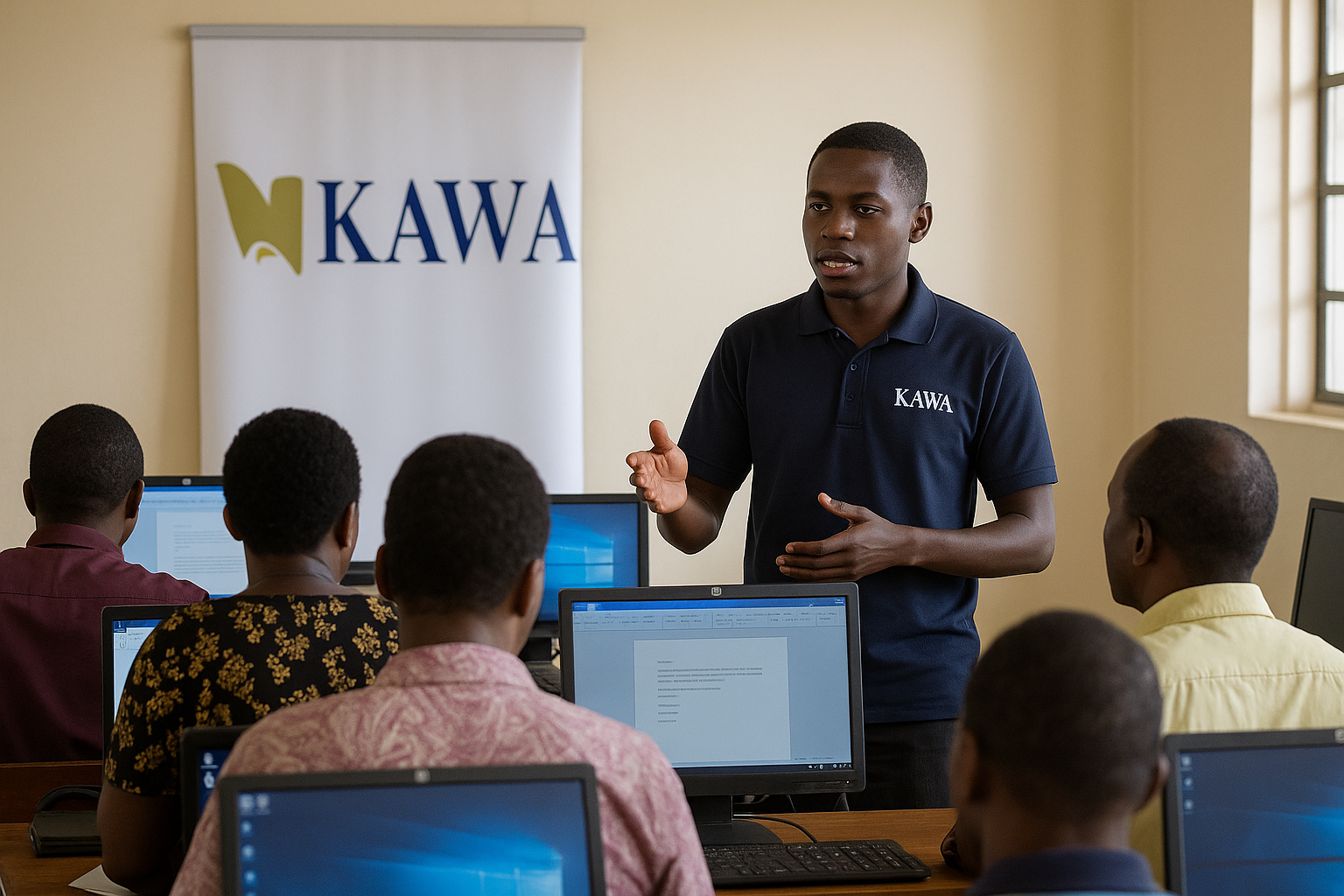
ICT in Education Course for Teachers

Wishlist Share
Share Course
Page Link
Share On Social Media

About Course

KAWA Connect
Teacher Empowerment

Overview
Pathway 1
Pathway 2
Pathway 3
Enroll Now
86 Hours Guided Learning
Pathway 3: Leadership
Skills Checklist
0% Complete

Develop and implement school ICT policies and guidelines.

Digitize administrative records, communication, and finance tracking.

Use school management software and parent communication tools.

Establish digital libraries and knowledge-sharing platforms.

Organize staff digital training sessions.

Maintain and secure ICT infrastructure.

Plan ICT budgets and evaluate technology investments.
My Learning Goals
Which skill in this pathway is most urgent for your school?
e.g., Creating digital lesson notes…
How will you apply this next week?
I plan to…
Learning Outcomes
“Teachers become digitally confident, able to design engaging lessons, and manage class data.”

Schools adopt structured, technology-supported systems.
Improved administration and data management.
Better learning coordination across the institution.
KAWA CONNECT

Working hand-in-hand with education partners to ensure no teacher is left behind.

© 2024 KAWA

kawaagency@gmail.com

Show More

Course Content

Topic 1: Getting to Know Computers Better
Many teachers in Uganda are now expected to use digital tools to prepare lessons, keep records, communicate with parents, and guide learners. Yet, computers are still limited in most schools, and many teachers have never received proper ICT training. This topic introduces teachers to the basic parts, functions, and purpose of a computer. It is simple, practical, and meant to build confidence even if you: have one school computer shared by many teachers have never touched a computer before have no internet at your school rely on smartphones for most digital tasks This is the foundation for all future ICT skills. 2. Course Overview Course Title: ICT for Teaching — Topic 1: Getting to Know Computers Better Target Group: Beginner teachers, student teachers, ICT club patrons Duration: 2–3 weeks (self-paced) Mode: Offline-first (KAWA CONNECT devices) + online support Purpose: Build confidence and functional digital literacy for Ugandan classrooms 3. Learning Objectives By the end of this topic, you should be able to: Define what a computer is and explain how it works. Explain the three wares of a computer: hardware, software & liveware. Identify major hardware parts of a computer. Understand what a personal computer (PC) is. Differentiate desktop, laptop, and tablet computers. Identify common handheld devices (smartphones, multimedia players). Recognize main parts of a computer (CPU, memory, storage, input/output devices). Identify common ports (USB, network, serial, FireWire). Appreciate how computers support teaching in Uganda's digital age.

Understanding Computers and Their Components
Computers have become a central part of daily life in Uganda — from ATM machines to mobile banking, Ushahidi school systems, WhatsApp communication, printing reports, and preparing digital exams. For teachers, computers are no longer optional tools; they are essential for effective teaching, administration, and communication. This lesson helps you, the teacher, understand what a computer is, how it works, and what components make it complete, even if you have limited access to devices or no internet at school.

How a Computer Works
A computer is an incredible tool that takes human input, processes it electronically, and produces useful output that can be displayed, printed, or shared digitally. Whether you’re typing lesson notes, calculating marks, or browsing online, the computer follows the same basic steps every time. It does not think or understand like a human — it simply follows instructions that have been programmed into it.