Course Content
UNIT 1: Foundations of Innovation & AI
Through the UCC ICT Clubs Innovation & AI Program, you will learn how to design and code your own mobile or web application to solve real problems in your community. ICT Club members of St. John SSS Nandere, Luwero excited about the launch of ICT Club by UCC ICT Club members of St. John SSS Nandere, Luwero excited about the launch of ICT Club by UCC This program prepares you to develop solutions that can compete at the National Council for Communications (NCC) Annual Competitions. You are not just learning to code. You are learning to become an innovator. πŸ’» What is Code? Code is a special set of instructions that people write to tell a computer what to do. Computers are very powerful machines, but they cannot think on their own. They only do exactly what they are told to do. Code is the way we give those instructions. Think of code like giving directions to someone. If you tell a friend, β€œWalk straight, turn left, then stop,” they will follow your instructions step by step. In the same way, when a programmer writes code, the computer follows those instructions step by step. Every mobile app you use works because someone wrote code. Every website you visit works because someone wrote code. Even games, ATMs, school systems, online shopping platforms, and social media apps work because of code. Coding (also called programming) simply means writing those instructions in a language that the computer understands. There are different programming languages, just like there are different human languages. For example, people speak English, Luganda, Swahili, and many others. Computers also have languages such as Python, JavaScript, Scratch, and block-based programming tools like App Inventor. Code is everywhere around you. When you send a message on WhatsApp, code is working. When you watch videos on YouTube, code is working. When your school uses a digital report system, code is working. When mobile money calculates your balance, code is working. You use technology built with code many times every day β€” even if you do not see the code itself. In this course, you will move from being just a user of technology to becoming a creator of technology. You will learn how to write code that solves real problems in your community. πŸ“± Examples of Things Made with Code Messaging apps like WhatsApp Mobile apps Games like The Sims Online games Animations and videos Banking systems School management systems E-learning platforms πŸ—£ Stop and Discuss What are some things you enjoy that were created using code? Think about: Social media Music apps School portals Online shopping Transport apps Discuss with your team. 🌍 Using Code to Help People Coding is not only for entertainment. You can use code to solve real-world problems. Here are some examples: πŸ₯ Healthcare Code helps doctors: Analyze medical scans Store patient records Detect diseases early Track outbreaks β™Ώ Assistive Devices Technology helps people with disabilities: Text-to-speech systems Smart hearing devices Mobility tools πŸ€– Robots Robots are programmed using code to: Assist in hospitals Help in factories Perform dangerous tasks Technology can change lives. And you can build that technology. πŸ€– What is Artificial Intelligence (AI)? Another important topic in this program is Artificial Intelligence (AI). Artificial Intelligence is the ability of machines or computer systems to perform tasks that normally require human intelligence. These tasks include: Recognizing faces Understanding speech Making recommendations Detecting patterns Predicting outcomes The human brain is very complex. For many years, scientists worked hard to make computers β€œthink” in intelligent ways. Over the past 50 years, great progress has been made in AI. Today, AI is part of everyday life. 🌐 Examples of AI in Daily Life Self-driving vehicles YouTube video recommendations Face recognition systems Spam email detection Voice assistants Smart farming systems Fraud detection in banks πŸ—£ Stop and Discuss Can you think of other examples of AI in your daily life? Consider: Google search results TikTok suggestions Weather prediction apps Mobile money fraud alerts Online exam systems Discuss as a team. 🎯 Why Learning AI Matters As a young innovator in Uganda: You should understand how AI works. You should know how it affects your life. You should learn how to use it responsibly. You might integrate AI into your competition project. AI is not just for big companies. It is for students like you. πŸ—“ Program Timeline & Key Dates Your ICT Club Patron will share: Training timeline Submission deadlines NCC competition dates Internal school presentation dates Stay organized. Work as a team. Start early. πŸš€ LET’S GET STARTED! You are about to begin your journey as: A coder A problem solver An innovator A future tech entrepreneur
0/1
Generative AI Tools for Problem Solving
In this lesson, you will learn how to use generative AI tools responsibly to support your innovation project. Generative AI can help you brainstorm ideas, research problems, design your app, write code, create presentations, and even edit videos. However, while AI is useful, it must be used carefully and ethically. You will explore both the benefits and the risks of AI. You will learn that AI can sometimes generate incorrect information, show bias, or raise privacy concerns. Because of this, you must verify information, protect user data, avoid plagiarism, and ensure fairness in your solutions. This lesson will guide you on how to interact with AI as a responsible innovator. You will learn practical strategies for writing effective prompts, refining responses, and understanding the output generated by AI tools. Most importantly, you will create a Responsible AI Use Plan that explains how your team will use AI in a transparent and ethical way during your project. By the end of this lesson, you will understand that AI is not a replacement for your thinking. It is a support tool. You remain the creator. You remain the decision-maker. AI simply helps you build smarter, stronger, and more innovative solutions.
0/1
Identifying Community Problems
Lesson Introduction Before you build an app… Before you design a solution… Before you write a single line of code… You must first find the right problem. The strongest innovation projects always begin with a clearly understood community problem. This lesson helps you: Understand what a problem really is Identify communities you belong to Observe real needs in Uganda Categorize problems using the UN Sustainable Development Goals Brainstorm impactful ideas
0/1
Solving Problems with Technology
You have identified a real community problem. Now comes the next big question: How can technology help solve it? In this lesson, you will explore how mobile phones, web applications, and Artificial Intelligence can be used to create powerful, practical solutions. Not every problem needs technology. But when technology is used correctly, it can: Scale solutions Save time Improve access Increase accuracy Connect people Your task is to decide how technology fits into your solution.
0/1
Exploring Mobile App Builders
IN THIS LESSON YOU WILL: βœ” Learn about different app builders and programming languages βœ” Understand block-based vs text-based coding βœ” Get set up to build your first mobile app βœ” Explore simple tools suitable for ICT Clubs βœ” Learn how AI can help you build apps faster
0/1
Exploring Web App Builders
IN THIS LESSON YOU WILL: βœ” Understand what a web app is βœ” Differentiate between mobile apps, web apps, and progressive web apps βœ” Learn beginner-friendly web app development options βœ” Install and set up a simple web development environment βœ” Understand how AI can be integrated into web apps
0/1
ALGORITHMS
IN THIS LESSON YOU WILL: βœ” Understand what an algorithm is βœ” See real-life examples of algorithms βœ” Practice writing precise instructions βœ” Connect algorithms to coding and AI βœ” Prepare for app development logic
0/1
UNIT 2: Research & AI Foundations
Unit 2 moves students from identifying problems to validating them through research and technology exploration. In this unit, learners begin to think like innovators and researchers. They go beyond observation and start gathering real evidence from their communities. Students learn how to conduct structured research, interview stakeholders, analyze needs, and verify that a problem is real, significant, and worth solving. The unit emphasizes that strong innovation is built on verified data, not assumptions. Students explore how to: Conduct real-world research Engage and partner with community organizations Narrow down and select a meaningful, impactful problem Understand foundational Artificial Intelligence concepts Explore technical tools more deeply through App Inventor and Web App development πŸ”Ή Researching Real-World Problems Students learn structured research methods such as: Surveys Interviews Observation Field visits Data collection They analyze patterns and document evidence to support their chosen problem. This ensures their project is rooted in reality and not guesswork. πŸ”Ή Partnering with Community Organizations Students are encouraged to collaborate with: Schools Health centers NGOs Farmer groups SACCOs Youth organizations Through partnerships, students gain access to: Real challenges Expert insights User feedback Validation opportunities This step strengthens both impact and competition readiness. πŸ”Ή Selecting a Meaningful Problem After research, teams compare potential problems using criteria such as: Relevance Impact Feasibility Technological suitability Alignment with Sustainable Development Goals (SDGs) Teams then formally define a clear, specific, measurable problem statement to guide development. πŸ”Ή Introduction to Artificial Intelligence Students are introduced to: What AI is How AI works Where AI is used in everyday life When AI is appropriate in a solution They learn that AI is a toolβ€”not a requirementβ€”and must be used ethically and responsibly. πŸ”Ή App Inventor: Closer Look Students deepen their understanding of: Components Events Logic structures Data storage Basic AI extensions They begin thinking about how their researched problem can translate into a functional mobile app. πŸ”Ή Web Apps: Diving Deeper For advanced teams, students explore: Text-based coding Python and Streamlit Web app architecture AI integration in web platforms They evaluate whether a web-based solution better fits their project goals. πŸ”Ή End of Unit Outcome By the end of Unit 2, each team should have: βœ” A validated, researched problem βœ” Evidence from the community βœ” A selected technology pathway (Mobile or Web) βœ” Basic understanding of AI relevance βœ” Clear direction toward solution design
0/1
Partnering with Community Organizations
0/1
Selecting a Meaningful Problem
0/1
Introduction to Artificial Intelligence
0/1
App Inventor: Closer Look
0/1
Web Apps: Diving Deeper
https://audio.com/moseswa4/audio/turn-python-scripts-into-streamlit-web-apps1
0/1
UNIT 3: Designing Smart Solutions
Identifying Innovative Solutions Responsible Research and Innovation Market Research Basics App Inventor: Coding Conditionals Finding Patterns with AI
0/1
Building apps that help people and do not harm them.
As ICT Club innovators, you are learning to build powerful mobile apps and web apps that can solve real community problems. But creating technology is not only about making it work. It is also about making sure your technology: Helps people Does not harm people Respects privacy Works fairly for everyone This is called Responsible Research and Innovation (RRI).
0/2
Market Research
Know your users Improve your idea Build correct features Build successful products
0/2
ICT Clubs Startup Development Course

MIT App Inventor is one of the most powerful and beginner-friendly tools for building mobile applications.

It is especially useful for ICT Club students because it allows you to create real mobile apps without typing complex programming code.

Instead of typing code, you use visual blocks that you drag and connect like puzzle pieces.

This lesson helps you understand how App Inventor works, especially how mobile apps respond to user actions using event-driven programming.

Understanding this lesson will help you build real innovation apps for your school, community, and national competitions.

WHAT IS EVENT-DRIVEN PROGRAMMING?

Mobile apps work differently from simple computer programs.

Normal programs run from top to bottom automatically.

But mobile apps wait for the user to do something.

This is called Event-Driven Programming.

Meaning of Event-Driven Programming

Event-Driven Programming is a programming method where code runs only when a specific event happens.

An event is any action or change that happens in the app.

The app waits for events and responds to them.

What is an Event?

An event is something that happens in the app.

Examples of events include:

When a button is clicked
When the screen is touched
When text is entered
When the phone is rotated
When a picture is taken

The event triggers code to run.

What is an Event Handler?

An Event Handler is the code that runs when an event happens.

It tells the app what to do.

Example:

Event: Button clicked

Event Handler: Open another screen

Real-Life Examples of Event-Driven Programming

Example 1: Opening an App

Event: User clicks WhatsApp icon

Result: WhatsApp opens

Example 2: Sending SMS

Event: User clicks Send

Result: Message is sent

Example 3: Login

Event: User enters password

Result: App checks password

Example 4: Taking Picture

Event: User clicks camera button

Result: Camera opens


THE TWO MAIN WINDOWS IN APP INVENTOR

MIT App Inventor has two main working areas.

These are:

Designer Window
Blocks Editor Window

Each has a special role.

PART 1: DESIGNER WINDOW

The Designer Window is where you design how your app looks.

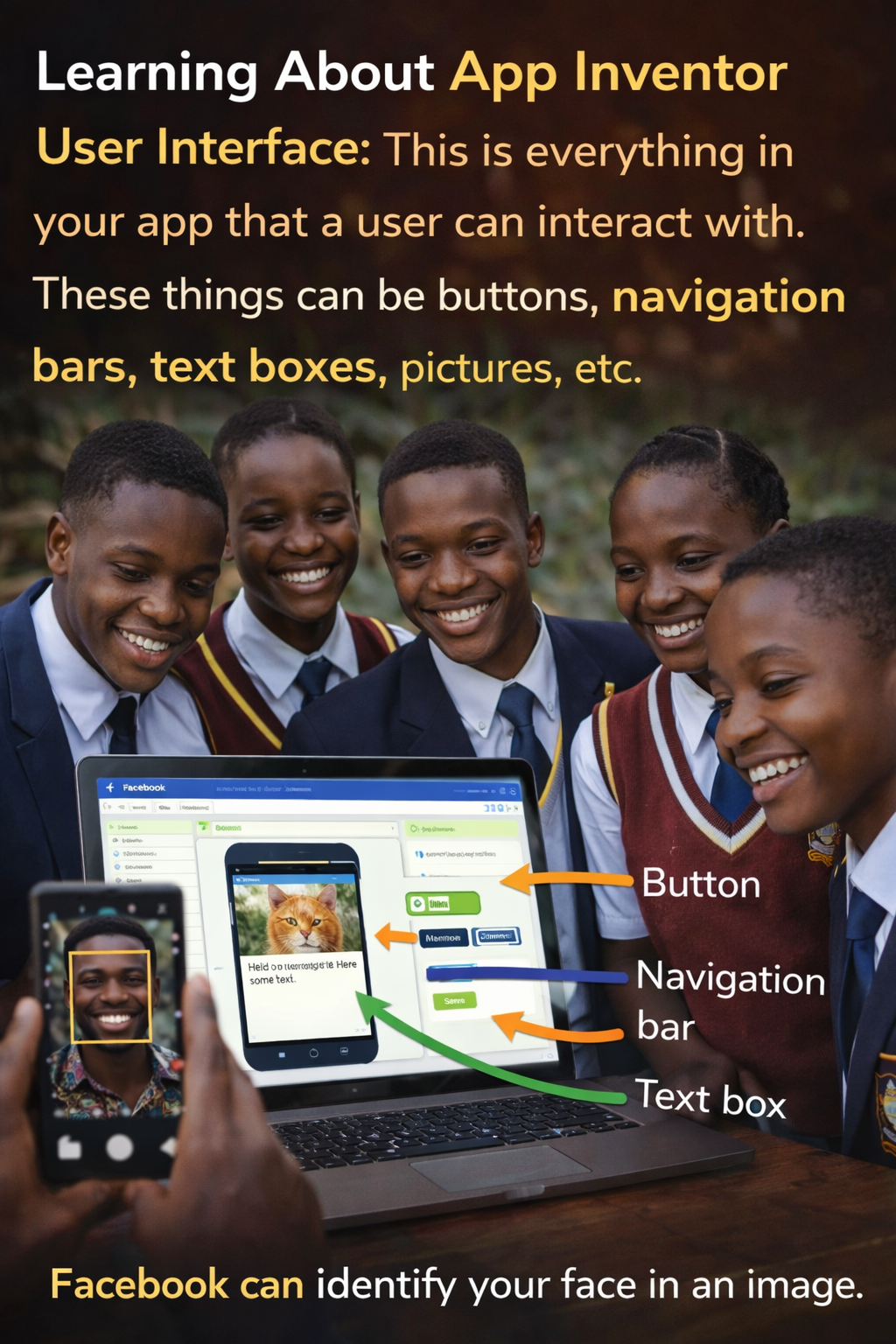
This is called the User Interface.

What is User Interface?

User Interface means everything the user sees and interacts with.

Examples include:

Buttons
Text boxes
Images
Labels
Screens

This is the visual part of the app.
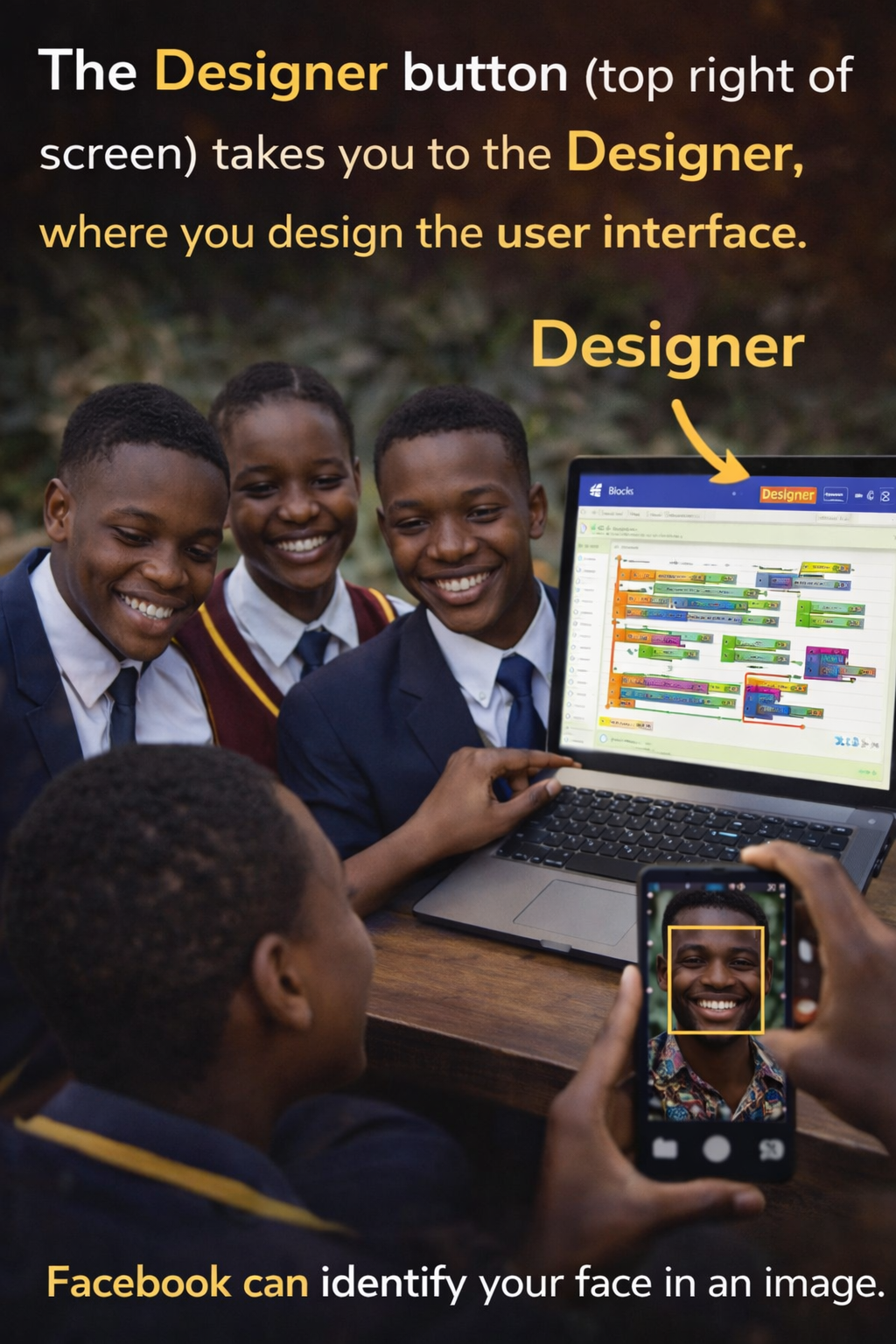
PARTS OF THE DESIGNER WINDOW


1. Palette

The Palette contains components.

Components are tools you use to build your app.

Examples:

Buttons
Labels
Camera
Sound

You drag components from the Palette to the Viewer.

2. Viewer

The Viewer is the phone screen area.

It shows how your app will look.

You place components here.


3. Components List

This shows all components in your app.

It helps you manage and select components.


4. Properties Panel

This allows you to change component settings.

Example:

Change color
Change text
Change size

5. Non-Visible Components

These components work behind the scenes.

Examples:

Camera
Sound
Text-to-Speech

They do not appear on the screen.

But they perform actions.

PART 2: BLOCKS EDITOR WINDOW

This is where you program your app.

You add logic using blocks.

Blocks are like puzzle pieces.

Follow the video tutorial below

View the starter project in the App Inventor GalleryΒ here, load the app into App Inventor,
and follow Dave’s instructions in the video below.

PARTS OF BLOCKS EDITOR


1. Blocks Palette

Contains different coding blocks.

Examples:

Logic blocks
Math blocks
Text blocks


2. Workspace

This is where you connect blocks.

This is where your program is built.


3. Component Blocks

Each component has its own blocks.

Example:

Button has click block.

Camera has take picture block.


EVENT HANDLER BLOCKS

Event handler blocks run when events happen.

They are gold in color.

Example:

When Button1.Click

This means:

When Button1 is clicked, do something.


Other Examples of Event Handlers


Screen Orientation Changed

Event:

Phone rotated

Action:

Change layout


Slider Changed

Event:

Slider moved

Action:

Change value

Example:

Increase volume


FUNCTIONS IN APP INVENTOR

Functions perform actions.

They are purple blocks.

They are also called procedures.

Functions allow apps to do work.


Examples of Functions


TextToSpeech.Speak

Makes phone speak.

Example:

Phone says:

Welcome to ICT Club


Camera.TakePicture

Opens camera.

Takes picture.


Sound.Play

Plays sound.


SETTERS AND GETTERS

These control component properties.

They are green blocks.


Getter Blocks

Getter blocks get information.

Example:

Get Button text


Setter Blocks

Setter blocks change information.

Example:

Set Label text to “Hello”


Example

Set Label1.Text to “Welcome”

Result:

Label displays Welcome


DATA BLOCKS

Data blocks store information.

These include:

Numbers
Text
Boolean


Numbers

Example:

10
50
100

Used for calculations.


Text

Example:

Hello
Welcome

Used for messages.


Boolean

Boolean has two values:

True
False

Used for decision making.


PRACTICAL EXAMPLE: SOUNDBOARD APP

In Soundboard App:

Event:

User clicks image

Action:

Sound plays

This uses:

Event handler
Function


ADVANCED CHALLENGE EXAMPLE

Event:

User clicks picture

Action:

Background color changes

This uses:

Setter block
Math block


HOW APP INVENTOR HELPS ICT CLUB STUDENTS

ICT Club students can use App Inventor to build apps like:

School learning apps
Revision apps
Attendance apps
Health apps
Agriculture apps


Example: School Attendance App

Event:

Student clicks Check-In

Action:

Record attendance


Example: Farming App

Event:

Farmer clicks Diagnose

Action:

Show crop disease

REFLECTION QUESTIONSΒ 

Think and discuss:

What components will your app need?

Examples:

Buttons
Camera
Text

What events will happen?

Examples:

Button click
Text entry

What actions will happen?

Examples:

Show message
Open screen

KEY TERMS SUMMARY

  • User Interface
  • Visual part of app
  • Designer
  • Where app is designed
  • Blocks Editor
  • Where coding happens
  • Event
  • User action
  • Event Handler
  • Code that responds
  • Event-Driven Programming
  • Programming based on events
  • Function
  • Code that performs action

FINAL SUMMARY

MIT App Inventor allows students to build mobile apps using visual blocks.

Mobile apps work using events.

Event handlers tell the app what to do.

Designer window builds the visual part.

Blocks editor builds the logic.

Using App Inventor, ICT Club students can build real innovation apps.

This is the foundation of becoming a software developer.

ADDITIONAL RESOURCES

Check out more of Dave Wolber’s App Inventor beginner tutorials atΒ appinventor.org